

Your kit ships pre-assembled, pre-flashed, and pre-calibrated. Power it on and you're streaming a 3D point cloud. Grab the setup guide and SDK below to start building.
Start with the setup guide, then pull the SDK and tools to build your first depth application.
Need something else? Email info@magik-eye.com for datasheets, calibration files, or integration support.
One cable to your PC carries both power and data.
Pre-flashed and pre-calibrated — streaming-ready the moment it boots.
The USB link runs a DHCP server, so your PC gets an address automatically. Browse to http://192.168.201.1 for the Sensor Administration Console.
Open the Viewer from the console, click Connect, then Get frame — the 3D point cloud appears. Hit Start sensing for a live stream.
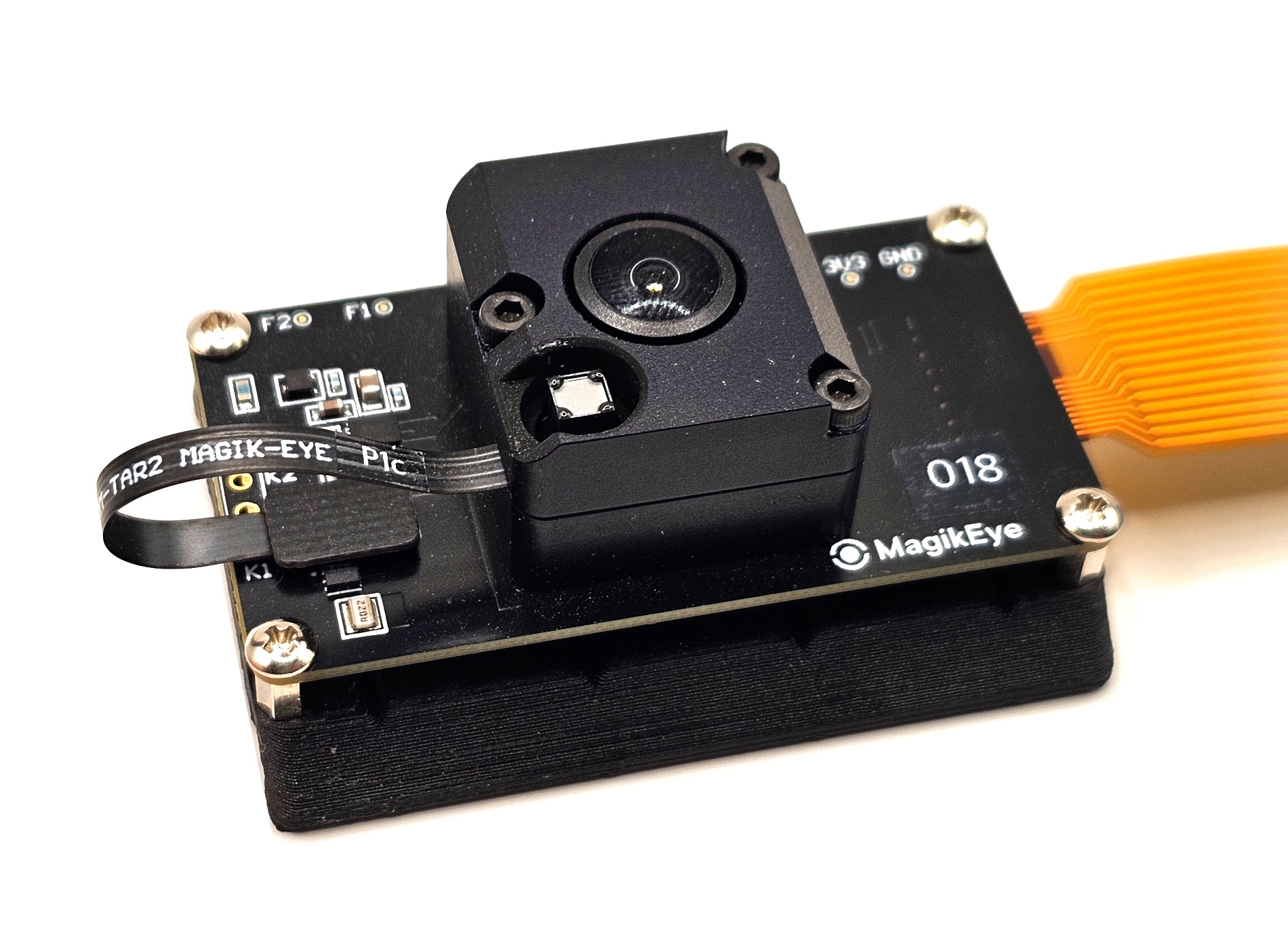
A triangulation-based 3D depth sensor pairing an infrared dot-pattern projector with an Omnivision OG01H1B CMOS sensor and MagikEye's proprietary algorithms.
Reliable depth in direct sunlight and bright indoor lighting — up to 50,000 lux.
Ideal for short-distance inspection, robotics, and proximity sensing.
Up to 8,500 3D points per frame for detailed scene reconstruction.
93° × 77° (horizontal × vertical) coverage from a single module.
A 55 × 30 × 20 mm module drawing well under 1 watt in typical operation.
Pre-calibrated, pre-flashed, and delivered ready to run on a Raspberry Pi 4.
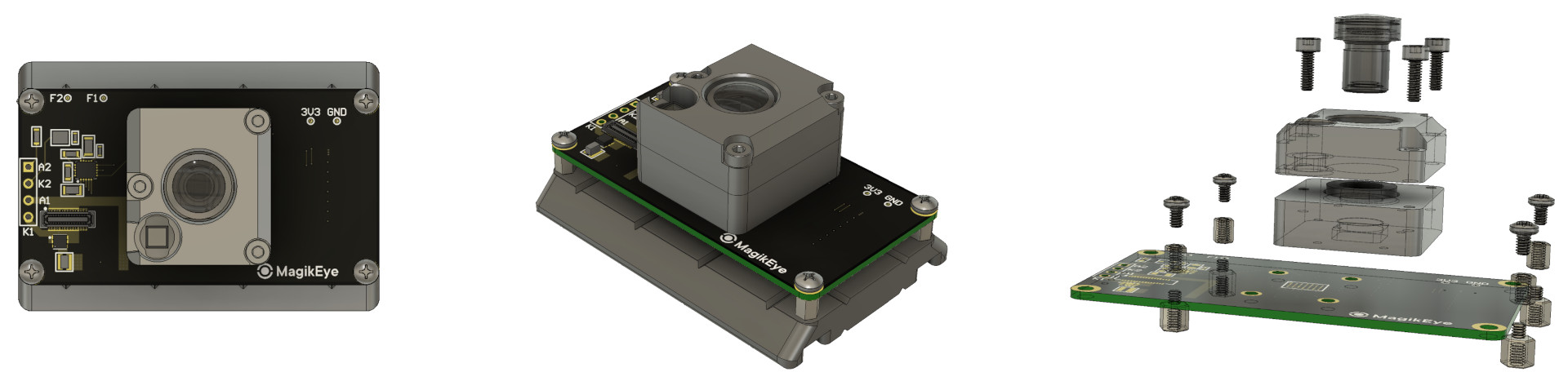
Board layout, the assembled module, and the exploded view — DOE projector, lens stack, and CMOS sensor board.
| Parameter | Unit | Typical |
|---|---|---|
| Field of view (H / V) | deg | 93 / 77 |
| Number of depth points | — | 8,500 |
| Wavelength | nm | 940 (infrared) |
| Baseline | mm | 10 |
| Working range | m | 0.3 — 3 |
| Extended range | m | 0.035 — 3 |
| Frame rate | Hz | 30 (up to 90*) |
| Accuracy @ 1 m | % | 1.4 |
| Precision @ 1 m | % | 1.4 |
| Spatial resolution @ 0.3 m | mm | 6 |
| Spatial resolution @ 1 m | mm | 21 |
| Proximity resolution @ 0.3 m | mm | 35 |
| Ambient light tolerance | kLux | 50 |
| Power consumption | W | 0.6 (1.28 peak) |
| Interface | — | MIPI CSI-2 (4 lanes); USB 3.1 via bridge |
| Dimensions | mm | 55 × 30 × 20 |
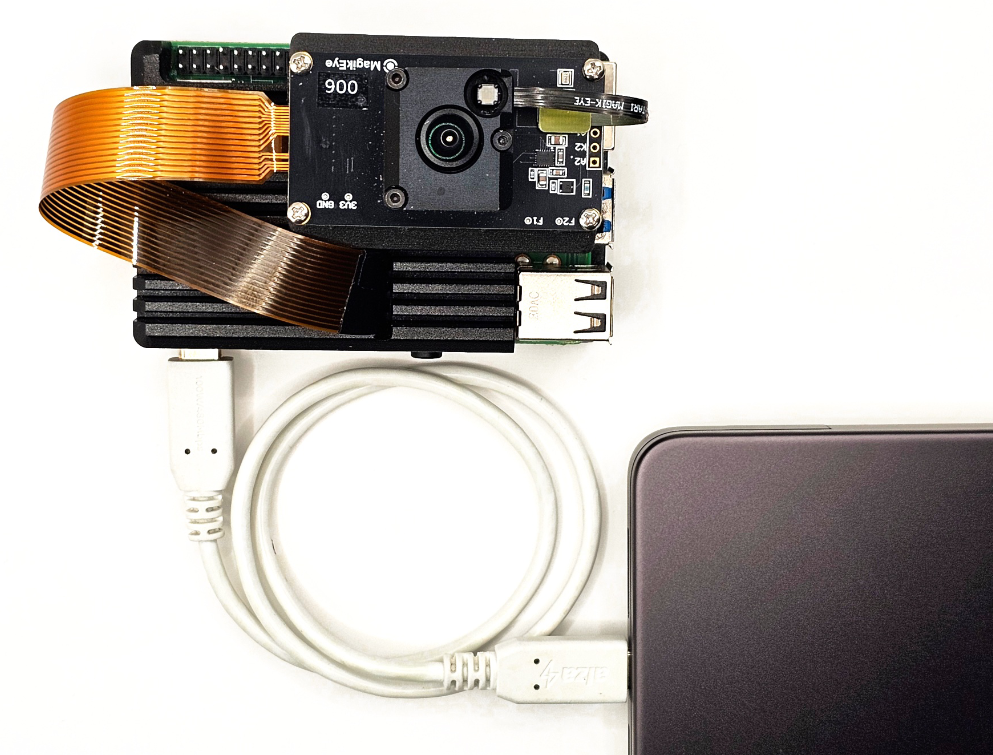
The ILT006 streams 3D point-cloud data over the MagikEye API. Connect via Ethernet-over-USB — one USB-C cable for power and data — or direct Ethernet; both run a DHCP server, so the sensor is reachable with no manual network setup. Wi-Fi is available for configuration, with wired links recommended for streaming.
MagikEye provides an SDK, a web-based viewer, and ROS / ROS 2 integration packages for rapid application development.
For support-related issues, email support@magik-eye.com with details and screenshots. Our team helps with setup, calibration, integration, and custom configurations.
Email support →